Start Professionally: Email, Calendar and Files
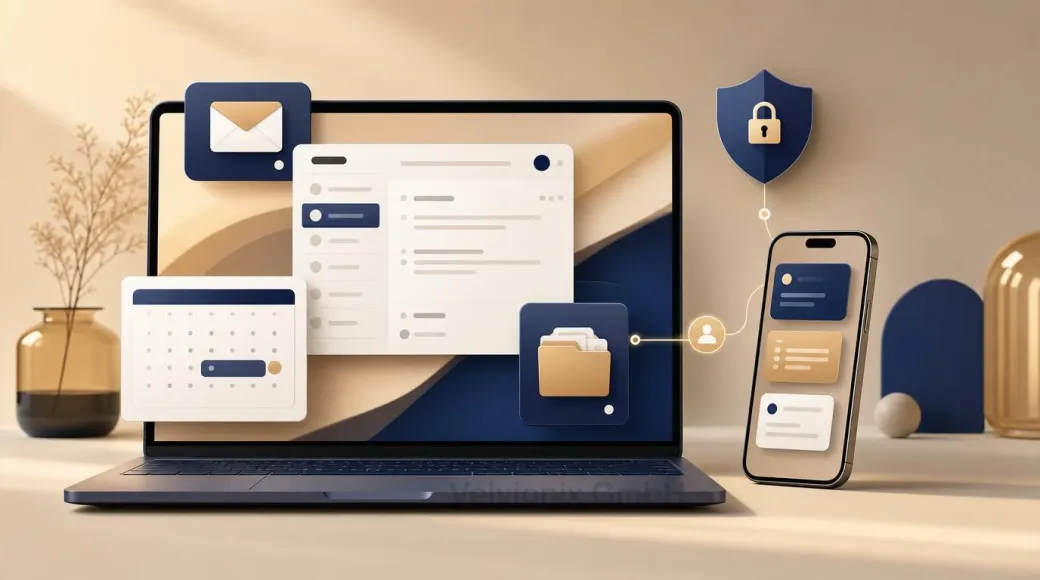
Professional email, a clean calendar, and organized files build trust, save time, and protect customer data.
Published: · Updated:
 © Velvionix
 Key Takeaways
Why the First Impression Often Does Not Start on the Website
Many freelancers invest in a good website and then lose trust again in daily communication: the first reply comes from a freemail address, the appointment is pieced together through several messages, and documents arrive as unclear attachments in the wrong thread.
This does not only look disorganized. It costs time and trust. Customers ask whether the appointment is really confirmed. Files are sent twice. Invoices or contracts are hard to find. And if a mailbox is compromised, it often affects not only email, but also calendars, files, and tool access.
Starting professionally therefore means: not more tools, but a calm foundation. Email, calendar, and files need to work together reliably.
Email: Own Domain, Clear Roles
An email address with your own domain is a visible trust signal. It shows that the business is not improvised. Even more important is the control behind it. With your own domain, you can separate roles cleanly: info@, billing@, appointments@, or personal addresses for team members.
Solo operators do not need ten mailboxes. A central mailbox with aliases or forwarding is often enough. Externally, communication looks organized; internally, it stays lean.
As soon as more people are involved, access should be separated. Shared passwords are convenient, but risky. If someone leaves, a device is lost, or an account is compromised, you need control over who can access what.
Calendar: Time Is a Business Process
The calendar is not only personal organization. It is part of the customer experience. A clean invitation with date, time, location or video link, and a short agenda reduces follow-up questions and shows reliability.
If appointments are part of your business model, you need clear rules: fixed duration, clear confirmation, reminders, buffer times, and one central place where appointments are maintained. If you work project-based, a consistently maintained calendar with agenda and responsibilities is often enough.
The most common mistake is not the wrong tool. It is inconsistent use. A calendar only helps when it is the binding source of truth.
Files: Order Protects Trust
Files are where small organization mistakes become visible quickly: wrong attachment, old version, missing invoice, sensitive information sent to the wrong person. That feels unprofessional and, depending on the content, can also become security-relevant.
Good storage does not need to be complicated. One folder per customer or project, with clear areas such as quotes, contracts, invoices, content, and internal notes. File names should include date, topic, and status. The point is not perfection, but logic that still works under stress.
For sharing, the rule is: consciously grant access instead of sending links everywhere. External shares should be limited, reviewable, and revocable. Especially with customer documents, “anyone with the link” is rarely the best default.
Security: Foundation, Not Extra
Email is often the key to everything: password resets, invoices, customer data, calendar, cloud storage. Basic security is therefore not a side topic. It belongs directly to a professional setup.
The key rules are manageable: strong and unique passwords, multifactor authentication, separate user accounts, no shared admin access, clear recovery information, and regular backups of important business data. CISA and NIST also recommend training people to recognize phishing, because email remains a central attack vector.
For small businesses, a lean security standard is often enough: Who has access? Is MFA enabled? Are backups available and testable? Can old access be removed? Are customer files not accidentally shared publicly?
Case Study: Studio with Too Much Back and Forth
A small studio worked with a freemail address, messenger appointments, and files on several devices. Customers constantly asked for confirmations, documents had to be requested again, and invoices were hard to find.
After the change, there was domain email, fixed calendar invitations, a simple customer folder structure, and MFA for central accounts. The offer stayed the same, but the impression changed immediately: fewer follow-ups, less searching, calmer communication.
The Real Effort: Set Up Once, Keep It Clean
The one-time effort depends on the starting point. Usually it means connecting the domain, setting up mailboxes or aliases, defining calendar rules, creating folder structure, securing access, and clarifying backups.
The bigger part is maintenance. The inbox must not become file storage. Appointments must be entered consistently. External shares must be reviewed. New team members or service providers need their own access, not forwarded passwords.
When these rules stick, small daily friction disappears. When they are ignored, old chaos returns quickly - just with more expensive tools.
What Destroys Professionalism in Daily Work
Common Questions About Email, Calendar, and File Storage
Isn't a Gmail or Yahoo mailbox enough?
Technically often yes, professionally usually no. A domain address feels more committed and gives you more control over roles, responsibilities, and growth.
How many email addresses do I need as a solo business?
A few are enough. Often a general inquiry address and a billing address are sufficient, both routed internally into one central mailbox.
Do I need Google Workspace or Microsoft 365 right away?
Not necessarily. What matters is that email, calendar, files, access, and security work together reliably and are used consistently.
What is the most common calendar mistake?
Appointments are not entered completely and bindingly. Without a clear invitation, location or link, and agenda, follow-up questions appear.
How do I prevent file chaos?
With a simple structure per customer or project, clear file names, and consciously set sharing permissions. Consistency matters more than perfection.
What is the economic benefit?
Less search time, fewer follow-up questions, fewer wrong attachments, less scheduling chaos, and a better first impression for prospects.
How important is security really?
Very important. A compromised mailbox can affect communication, calendar, files, and tool access. MFA, separate accounts, and backups are foundational.
Start Professionally Now - Without Chaos
If you want to solve this topic properly, we implement it as part of our services in a structured way - not as a loose individual measure. Please use the contact form and select the appropriate options. We will get back to you with a brief assessment of the most sensible approach.
Sources
Notice: The respective providers or operators are solely responsible for the content of external links.
- [1] Google Workspace Admin Help : "Create a custom email address using your domain"
https://support.google.com/a/answer/33327 - [2] Microsoft Learn : "Connect your domain to Microsoft 365"
https://learn.microsoft.com/en-us/microsoft-365/admin/setup/domains-faq - [3] Google Workspace Admin Help : "Security checklist for small businesses"
https://support.google.com/a/answer/9211704 - [4] Microsoft Learn : "Microsoft 365 for business security best practices"
https://learn.microsoft.com/en-us/microsoft-365/admin/security-and-compliance/m365b-security-best-practices - [5] NIST Small Business Cybersecurity Corner : "Phishing"
https://www.nist.gov/itl/smallbusinesscyber/guidance-topic/phishing - [6] CISA : "Require Multifactor Authentication"
https://www.cisa.gov/audiences/small-and-medium-businesses/secure-your-business/require-multifactor-authentication - [7] CISA : "Back Up Business Data"
https://www.cisa.gov/audiences/small-and-medium-businesses/secure-your-business/back-up-business-data

Comments
No comments yet.
Be the first to comment!
Write a comment
To write a comment, please enable the comment function in your privacy settings.
Write a comment