Website hacked: What should a business owner do next?
Suspect your business website has been hacked? Learn what to do first, why backups may not be enough, and how to reduce future risks.
Published:
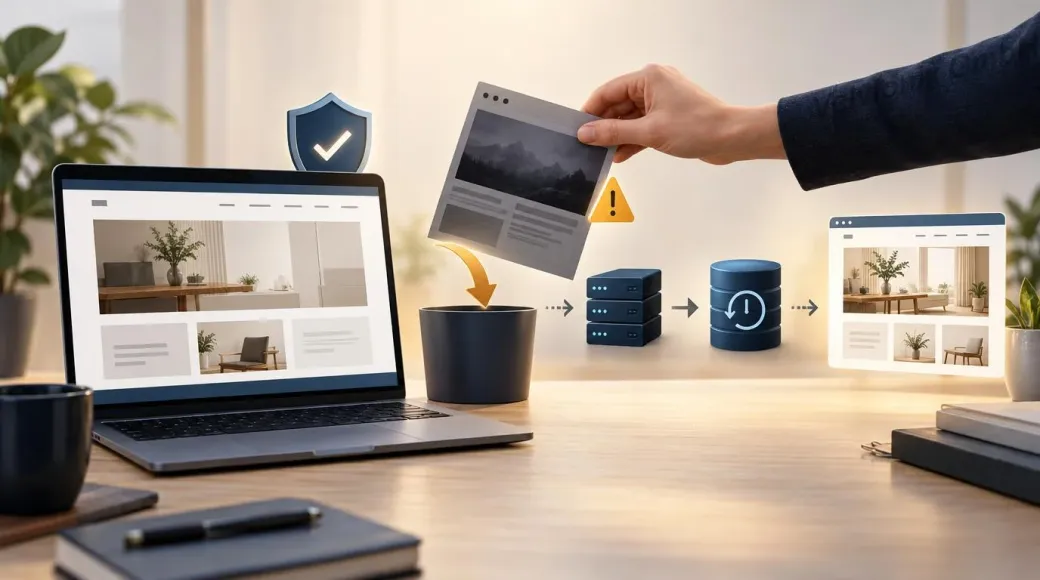 © Velvionix
Discovering unfamiliar content on your company website is unsettling, particularly when customers may have been visiting it for days without anyone noticing a problem. A website breach can affect much more than the appearance of a page. Enquiries, customer trust and information submitted through online forms may also be at risk. If you suspect an attack, the best first step is to act promptly without rushing into changes that make the problem harder to investigate.
What matters most
How can you tell whether your website has been hacked?
Not every compromised website looks broken. Your homepage may appear perfectly normal while search engines discover pages you never created. Attackers sometimes add advertising content, hidden links to gambling sites or redirects that send visitors elsewhere. In more obvious cases, browsers display a warning that the site may be dangerous.
Pay attention to alerts from your hosting provider and Google Search Console. Google’s Security Issues report can identify problems it has detected. You can also search for site:example.com to see whether unfamiliar pages appear in Google’s results. Neither check is a complete security audit, however. The absence of a warning does not prove that the website is safe.
Some unexpected changes have innocent explanations, such as a publishing mistake. If you cannot account for them, it is still worth treating the situation as a possible security incident until someone qualified has investigated.
My website has been hacked. What should I do first?
Start with the hosting company or the person responsible for the website’s technical operation. Explain what you noticed, when it started and which pages appear to be affected. Keep relevant messages and, where safe, screenshots. Depending on the circumstances, the provider may need to restrict access or temporarily take the affected service offline to protect visitors and prevent further damage.
Avoid deleting files or reinstalling everything in a panic. Those actions can destroy evidence needed to understand the attack. Germany’s Federal Office for Information Security advises organisations not to switch off computers and devices affected by an attack, and not to change them, so specialists brought in to investigate are not hindered. If a compromise is confirmed, an IT specialist experienced in security incidents should investigate and coordinate the recovery.
Once the likely entry point has been identified, potentially exposed accounts need attention. That might include website administration, hosting access, domain management or technical credentials used by connected services. Changes should be made from a trusted device. An email mailbox does not automatically have to be treated as compromised simply because the website had a contact form. Whether email credentials need replacing depends on what the investigation finds.
If the website processes customer information, it is also important to establish whether anyone could have accessed that information without authorisation. The consequences and any further steps depend on the facts of the incident and should be assessed with appropriate professional advice.
Why isn’t restoring yesterday’s backup always enough?
A backup may be an essential part of getting the website working again, but it does not explain how the attacker gained access. If an outdated extension was exploited, restoring a copy of the same vulnerable software could leave the door open for another attack.
There is another complication: a backup is not necessarily clean. When an intrusion goes unnoticed for some time, several recent copies may already contain unwanted files or modified content. A reliable recovery therefore means finding and fixing the original weakness, checking the backup and making sure affected accounts and permissions have been secured. Getting the familiar design back on screen is only one part of the job.
Imagine a hair salon whose website suddenly redirects potential customers to an unrelated gambling site. Restoring an older copy might make the salon’s homepage look right again. If the weakness that enabled the redirect remains, however, the business is still exposed. What matters to the salon is that customers can trust the site and use it safely, not simply that it looks familiar.
Can hidden spam affect how your business appears on Google?
Yes. A compromised website may host additional pages, concealed links or redirects without the owner noticing. Google specifically recommends checking for unfamiliar pages in search results and using Search Console to review any reported security issues.
Depending on what Google detects, people may see a warning before opening the website. That does not mean every hacked domain is automatically placed on a permanent blacklist. Nevertheless, warnings and unexpected search results can damage confidence and reduce visits. Once the website has been fully cleaned, someone should check whether Google is still reporting a problem and request a security review when the report calls for one.
What the October 2026 PHP2Shell incident tells us
On 21 October 2026, the PHP project released fixes for two critical vulnerabilities widely referred to as PHP2Shell. The flaws were in the underlying PHP technology rather than a particular WordPress plugin. Under certain conditions, they could allow an attacker to execute malicious code on a server.
The response from Swiss hosting provider cyon illustrates why this mattered. The company temporarily disconnected more than 100,000 hosted websites on 21 October while it secured its servers. In its subsequent account, cyon said it had no indication of successful attacks against its customers at that time. Those sites were taken offline as a precaution; the shutdown was not evidence that they had all been hacked.
For a small business owner, the lesson is straightforward. A website relies on software and infrastructure that are mostly invisible to visitors. Keeping the visible content fresh is useful, but someone also has to make sure the underlying technology can continue to run securely.
Are WordPress and website builders inherently unsafe?
No. WordPress can be operated securely when it is configured and maintained properly. Its core software, themes and plugins still require attention, and WordPress’s own security documentation stresses the importance of updates. Adding functionality through plugins can be sensible, but every extra component introduces another dependency that has to be managed.
We explore that trade-off further in WordPress plugins: when dependencies become a risk.
Newer technologies are not immune either. A serious vulnerability disclosed in React Server Components in 2025 showed that server-side JavaScript software can also have critical flaws. There is no programming language that makes a website automatically secure. A better question is whether the website uses an appropriate amount of technology, how its components are maintained and who is responsible when updates become urgent.
What makes a business website easier to protect over time?
For many local businesses, a website’s main job is to explain services clearly and make it easy for people to get in touch. A hair salon, trades business or consultancy does not necessarily need a large content management system and numerous extensions to achieve that. A lean website with useful service pages, clear contact options and carefully chosen features may be easier to operate and maintain.
That does not remove the need for ongoing work. Hosting, security measures, backups, monitoring and planned changes still matter. Additional functions should be introduced when they offer clear value, with their long-term operation considered from the outset.
At Velvionix, these decisions are part of planning and building a new website. We also provide ongoing care and technical operation for websites we have developed ourselves. The aim is not to promise perfect security, but to make sure responsibility for the website’s continued operation is clear. We do not repair or maintain third-party WordPress installations or website-builder systems.
Mistakes to avoid after a suspected attack
Frequently asked questions about hacked business websites
What if Google says my website is dangerous?
Check the Security Issues report in Google Search Console and contact whoever maintains the site. A security review should only be requested when the underlying problem has been investigated and fully resolved.
Could my site be hacked even if the homepage looks normal?
Yes. Unfamiliar pages, hidden links or redirects shown only to certain visitors can be easy to miss. Looking at the homepage is not enough to rule out a compromise.
Will restoring an earlier backup fix the problem?
A verified clean backup can help with recovery, but the entry point must be closed first. A backup that already contains malicious changes will not provide a clean starting point.
Do I need to change my business email password?
Only an investigation can establish which credentials might be exposed. If mailbox or email-service credentials were accessible to an attacker, they need securing. Having a contact form does not, by itself, establish that the mailbox was compromised.
Would replacing my old website automatically make it secure?
No. A rebuild can help remove unnecessary dependencies and improve the technical structure, but continued security still depends on sensible configuration, updates and ongoing care.
Can Velvionix clean up my hacked WordPress website?
No. We do not offer incident forensics, emergency cleanup or maintenance of third-party WordPress and website-builder systems. Once the incident has been dealt with, we can discuss a new business website and how it would be maintained.
Plan a business website with ongoing care in mind
If you are considering a new website after resolving a security incident, or are planning a new business presence from scratch, explore our website creation service. We can discuss which features you actually need and how the website can be cared for after launch.
Sources
Notice: The respective providers or operators are solely responsible for the content of external links.
- [1] PHP Group : "Security advisory: Critical remote code execution vulnerabilities, update now"
https://www.php.net/archive/2026.php - [2] cyon / David Burkardt : "PHP2Shell: Warum wir über 100'000 Websites vom Netz genommen haben"
https://www.cyon.ch/blog/php2shell-warum-wir-vom-netz-gingen - [3] German Federal Office for Information Security (BSI) : "Cybersicherheit für KMU"
https://www.bsi.bund.de/SharedDocs/Downloads/DE/BSI/Publikationen/Broschueren/Cybersicherheit_KMU.pdf?__blob=publicationFile&v=15 - [4] Google Search Console Help : "Security issues report"
https://support.google.com/webmasters/answer/9044101?hl=en - [5] Google Search Console Help : "Why is my site labeled as dangerous in Google Search?"
https://support.google.com/webmasters/answer/6347750?hl=en - [6] Google Search Central : "How To Prevent Malware Infection"
https://developers.google.com/search/docs/monitor-debug/security/prevent-malware - [7] WordPress.org : "Hardening WordPress"
https://developer.wordpress.org/advanced-administration/security/hardening/ - [8] React Team : "Critical Security Vulnerability in React Server Components"
https://react.dev/blog/2025/12/03/critical-security-vulnerability-in-react-server-components



Comments
No comments yet.
Be the first to comment!
Write a comment
To write a comment, please enable the comment function in your privacy settings.
Write a comment