Lighthouse Website Check: Why It Saves Real Money
A Lighthouse check reveals technical bottlenecks, prioritizes improvements, and prevents costly website cosmetics without impact.
Published: · Updated:
 © Velvionix
 Key Takeaways
Why Good-Looking Websites Still Lose Money
Many websites look good at first glance and still lose inquiries. They load quickly on the owner’s computer, but feel sluggish on a mobile network. They look modern, but content shifts while loading. They use beautiful images, but unnecessarily heavy files. The problem rarely appears as a clear complaint. Visitors simply leave.
The second cost driver is priority chaos. Without measurement, everything is worked on at once: new design, new images, new copy, new tracking. That feels active, but it does not automatically solve the most expensive problems. Small businesses do not need a permanent construction site. They need a clear order.
A Lighthouse check makes this discussion more factual. It does not show whether your offer is convincing. But it does show whether the technical foundation weakens the first impression, makes contact paths harder, or increases maintenance cost.
What Lighthouse Really Checks
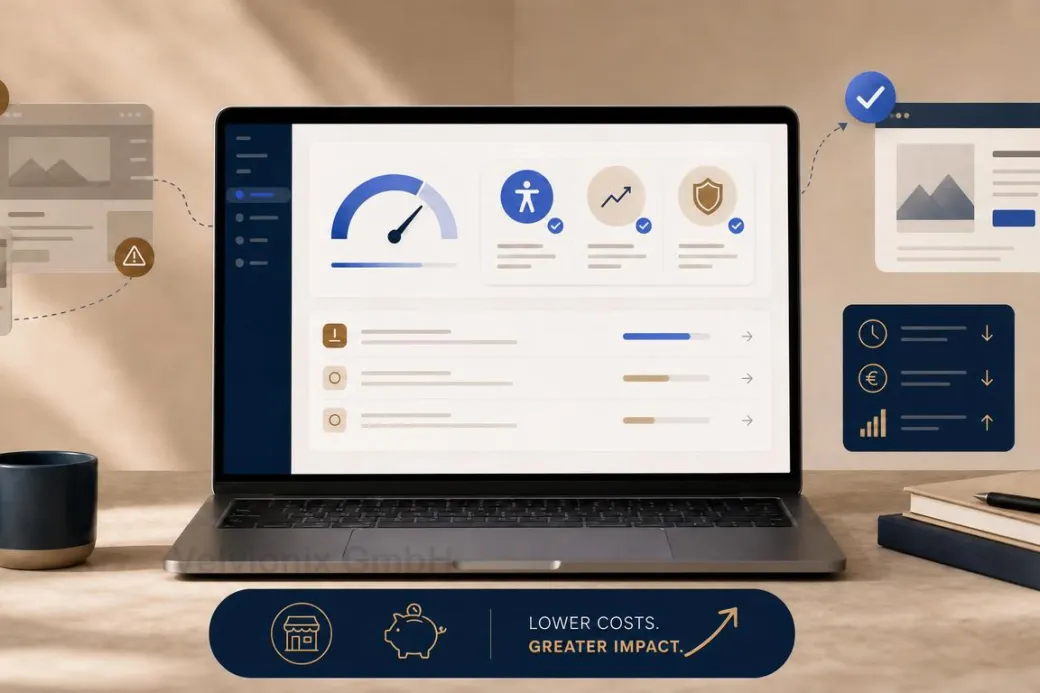
Lighthouse is an automated audit tool in Chrome DevTools. It evaluates common website areas such as performance, accessibility, best practices, and SEO basics. The report shows scores, individual audits, and concrete suggestions for improvement.
For small business websites, this is useful because the results become tangible quickly. Large images, blocking scripts, missing image dimensions, weak contrast, unclear button names, or SEO basics no longer fall under “something feels wrong.” They become visible.
The right expectation matters: Lighthouse is not a complete quality test. It measures under defined conditions and cannot detect everything real users experience. It does not replace content strategy, real usability testing, or inquiry analysis. It is a very good starting point for technical priorities.
Why the Check Saves Real Money
The financial value comes from better decisions. If Lighthouse shows that large images and unnecessary scripts slow the site down, you do not need to buy a new design first. If the accessibility audit shows missing names, weak contrast, or form issues, you know where trust and usability suffer. If SEO basics are missing, you can clean up the foundation before investing time in new content.
The check saves money in two ways. First, it prevents blind optimization: you do not work on cosmetics while technical bottlenecks remain. Second, it reduces follow-up costs: a lean, cleanly checked website is easier to maintain than a site full of uncontrolled integrations.
The score is only the entry point. The real work is prioritization: Which points affect the contact path? Which points are quick to fix? Which depend on architecture or external services? Which have little benefit and can wait?
Lab Data, Real Users, and Core Web Vitals
Lighthouse provides lab data. That means a controlled test run, good for comparison, but not identical to every real visit. PageSpeed Insights and Chrome User Experience data can add how real users experience specific pages, if enough data is available.
Core Web Vitals are especially relevant: Largest Contentful Paint for loading performance, Interaction to Next Paint for responsiveness, and Cumulative Layout Shift for visual stability. These metrics translate technical quality into things visitors actually notice: When do I see the most important content? Does the page react quickly? Does anything jump around while loading?
For SEO, it is worth staying sober. Google recommends good page experience as part of helpful content, but performance alone does not replace relevant copy, trust, and clear contact guidance. A fast but unclear website does not automatically win. A good website, however, should not be slowed down by technical friction.
Case Study: Local Studio with a Sluggish Website
A local studio had a visually strong website, but mobile inquiries were lower than expected. The Lighthouse check did not reveal a mysterious cause, but familiar bottlenecks: large hero images, several external scripts, late rendering of important content, and small contrast issues.
After prioritization, images and critical resources were optimized first, then unnecessary integrations were removed and the contact page was checked. The result was not a spectacular new feature, but a calmer path to inquiry: visible faster, more stable on smartphones, and easier to use.
The Real Effort: Check, Prioritize, Follow Up
One check is better than none, but website quality changes. New images, tracking scripts, widgets, fonts, and content can make good values worse again.
In practice, a simple rhythm is enough: check after major changes, consciously review new external services, and regularly look at the most important pages: homepage, service page, contact, appointment, or form. The point is not to make every number perfect. The point is to catch expensive friction early.
What Negates Lighthouse's Value
Common Questions About Lighthouse Checks
What is Lighthouse in simple terms?
An automated website check that makes technical quality visible in areas such as performance, accessibility, best practices, and SEO basics.
Why does a check save money?
Because you first fix the causes that really affect inquiries, trust, or maintenance cost, instead of blindly working on visuals or small details.
Is a high Lighthouse score a guarantee for more inquiries?
No. It shows technical quality. Inquiries also need clear content, trust, a strong offer, and an easy contact path.
Why is it not enough if the page loads fast for me?
Visitors use different devices, browsers, and networks. Lighthouse creates a comparable measurement basis that does not depend only on your setup.
What are Core Web Vitals?
Metrics for loading performance, responsiveness, and visual stability. They help make user experience easier to evaluate.
How often should you run Lighthouse?
After major changes and regularly for key pages such as homepage, service page, contact, appointment, or form.
What should happen after the check?
A prioritized list: first contact-path issues, major performance bottlenecks, and trust signals, then polish.
Improve Website Performance Now - Structured Approach
If you want to solve this topic properly, we implement it as part of our services in a structured way - not as a loose individual measure. Please use the contact form and select the appropriate options. We will get back to you with a brief assessment of the most sensible approach.
Sources
Notice: The respective providers or operators are solely responsible for the content of external links.
- [1] Chrome for Developers : "Lighthouse: Optimize your website"
https://developer.chrome.com/docs/devtools/lighthouse - [2] Chrome for Developers : "Lighthouse performance scoring"
https://developer.chrome.com/docs/lighthouse/performance - [3] Chrome for Developers : "Lighthouse accessibility score"
https://developer.chrome.com/docs/lighthouse/accessibility/scoring - [4] web.dev : "Optimize Core Web Vitals for business decision makers"
https://web.dev/articles/optimize-cwv-business - [5]
- [6] Google Search Central : "Understanding Core Web Vitals and Google search results"
https://developers.google.com/search/docs/appearance/core-web-vitals - [7] Google Search Central : "The role of page experience in creating helpful content"
https://developers.google.com/search/blog/2023/04/page-experience-in-search



Comments
No comments yet.
Be the first to comment!
Write a comment
To write a comment, please enable the comment function in your privacy settings.
Write a comment